TOP › My Page TOP ›
Submission Workflow › Vket 2026 Winter ›
Exhibition Guidelines
Exhibition Guidelines
These are the exhibition guidelines for Creator Exhibitions, open to individuals and exhibitor circles. This is not a call for corporate exhibitions.
For corporate exhibitions, please contact us here.
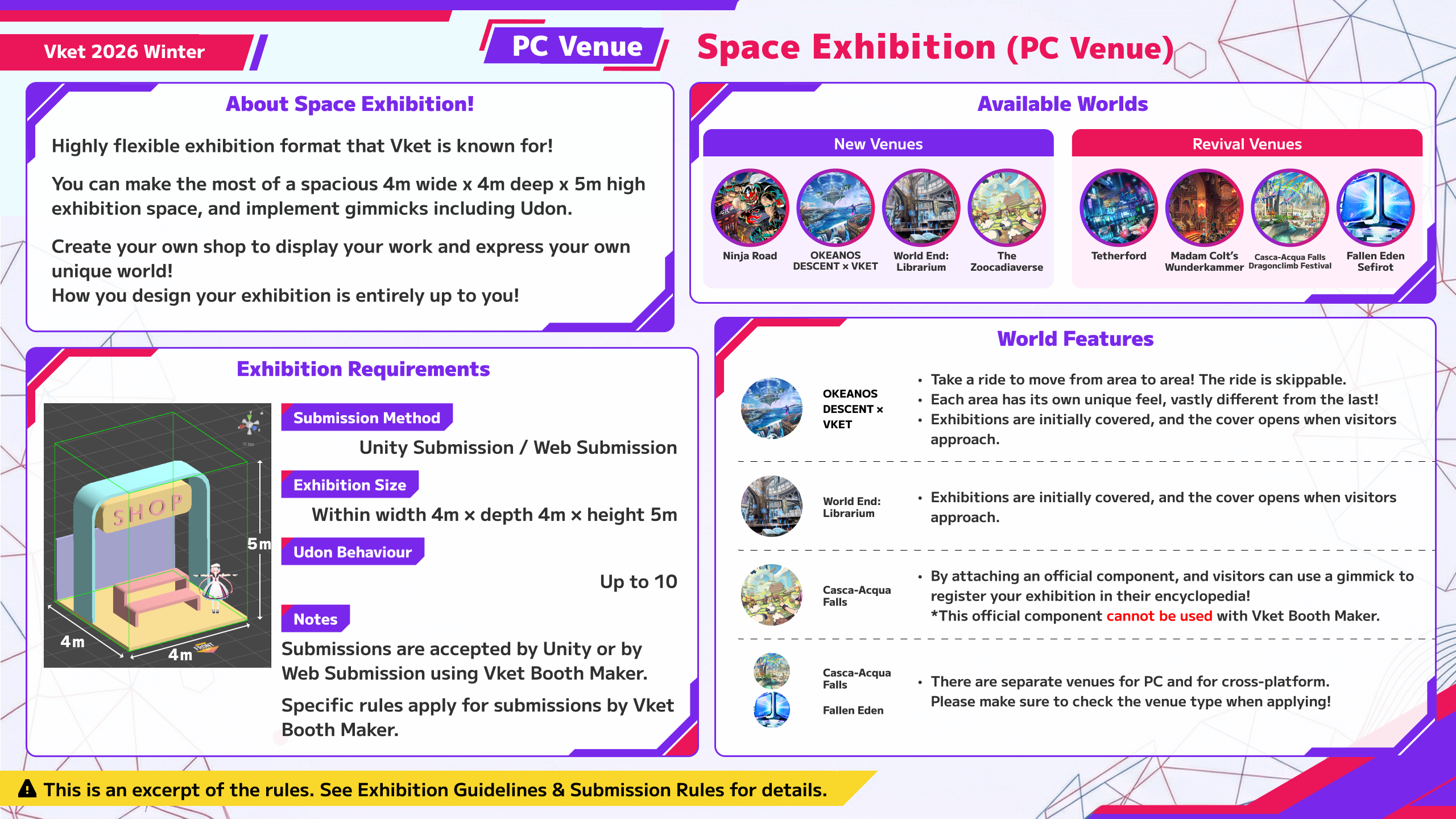
| Exhibition Format | Space Exhibition |
|---|
| Exhibition fee | JPY 3,300 (Tax Included) |
| Total Available Spaces | 658 spaces |
| Submission Method | Unity Submission(VketTools), Web Submission (Vket Booth Maker) |
| Notes | You're free to create an exhibit in your own style in the allocated space.
Two ways to submit! You can submit your exhibit after creating it in Unity. Or, you can submit with Vket Booth Maker by uploading directly from a browser without using Unity. |
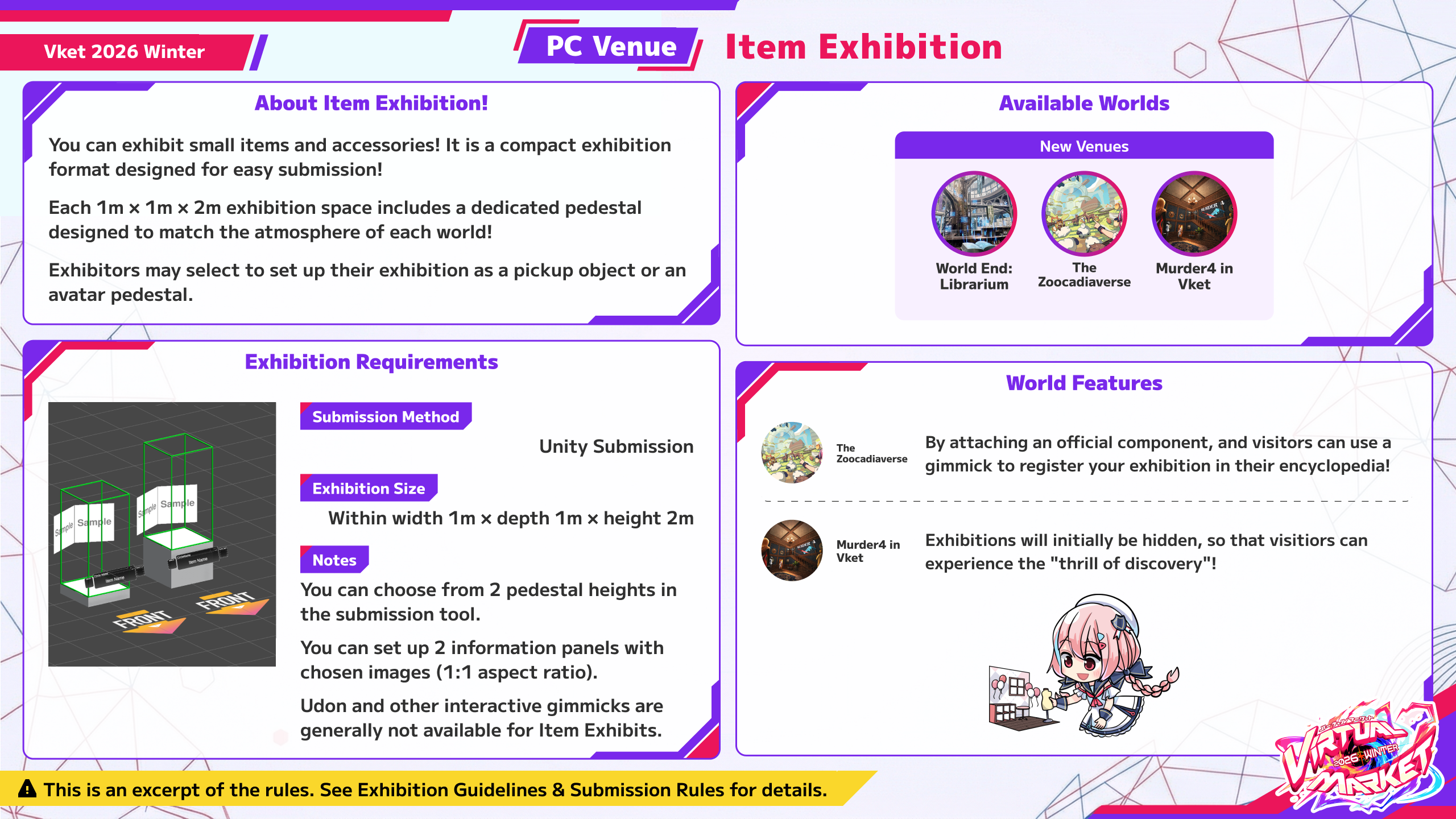
| Exhibition Format | Item Exhibition |
|---|
| Exhibition fee | JPY 1,100 (Tax Included) |
| Total Available Spaces | 218 spaces |
| Submission Method | Unity Submission(VketTools) |
| Notes | It is a compact exhibition format designed for easy submission! Even one item can be submitted. Displays for your exhibit are designed to match the atmosphere of the world.
For Item Exhibitions, you can select a pedestal template to display avatars, accessories, etc. |
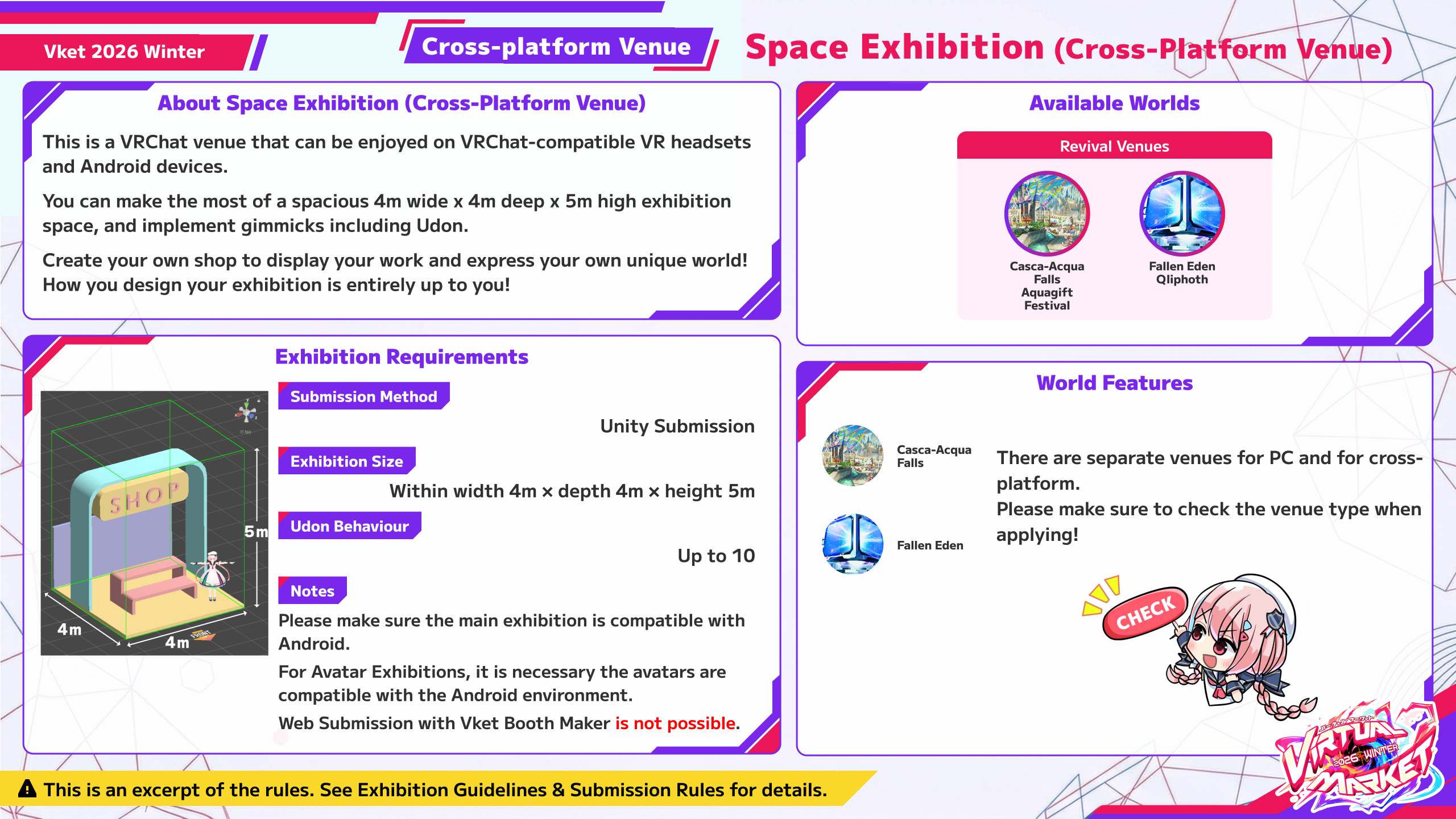
| Exhibition Format | Space Exhibition (Cross-Platform Venue) |
|---|
| Exhibition fee | JPY 3,300 (Tax Included) |
| Total Available Spaces | 40 spaces |
| Submission Method | Unity Submission(VketTools) |
| Notes | You're free to create an exhibit in your own style in the allocated space.
The basics are the same as a regular Space Exhibition. However, certain rules differ in order to ensure Cross-Platform compatibility.
Submission via Vket Booth Maker is not available. |
- In general, Creator Exhibitions cannot be under corporate entities.
- Corporations or enterprises may be allowed to participate as "individuals" if they meet certain criteria (for example, if they are startups within one (1) year from their foundation).
- For corporate exhibitions, please contact us here.
- For Virtual Market 2026 Winter, you can apply for up to 3 choices.
- If the number of applications exceeds the maximum number of spaces in each world, an allocation lottery will be held.
- Please pay the exhibition fee within the payment period after the lottery results are announced.
- The exhibition fee can be paid by PayPal or credit card.
- If the exhibition fee is not paid by the deadline, the winning lottery result will be cancelled.
- The exhibition fee is only required if you are chosen as a winner in the lottery.
- Payment will not be processed if you are not chosen in the lottery.
- In general, refunds will not be provided if you cancel your exhibition after making payment following your selection.
- Multiple exhibitions are prohibited. The same individual or circle may not apply using multiple accounts.
- Additionally, exhibiting the same content in the same exhibition format or promoting it through multiple circles is not permitted. Even if the circle representatives are different, the same work must not be promoted in the same exhibition format across multiple circles.
- The specifications described in this guideline are subject to change. Please note this in advance.
- Please check the Submission Rules before applying.
- Please also refer to the following FAQ.
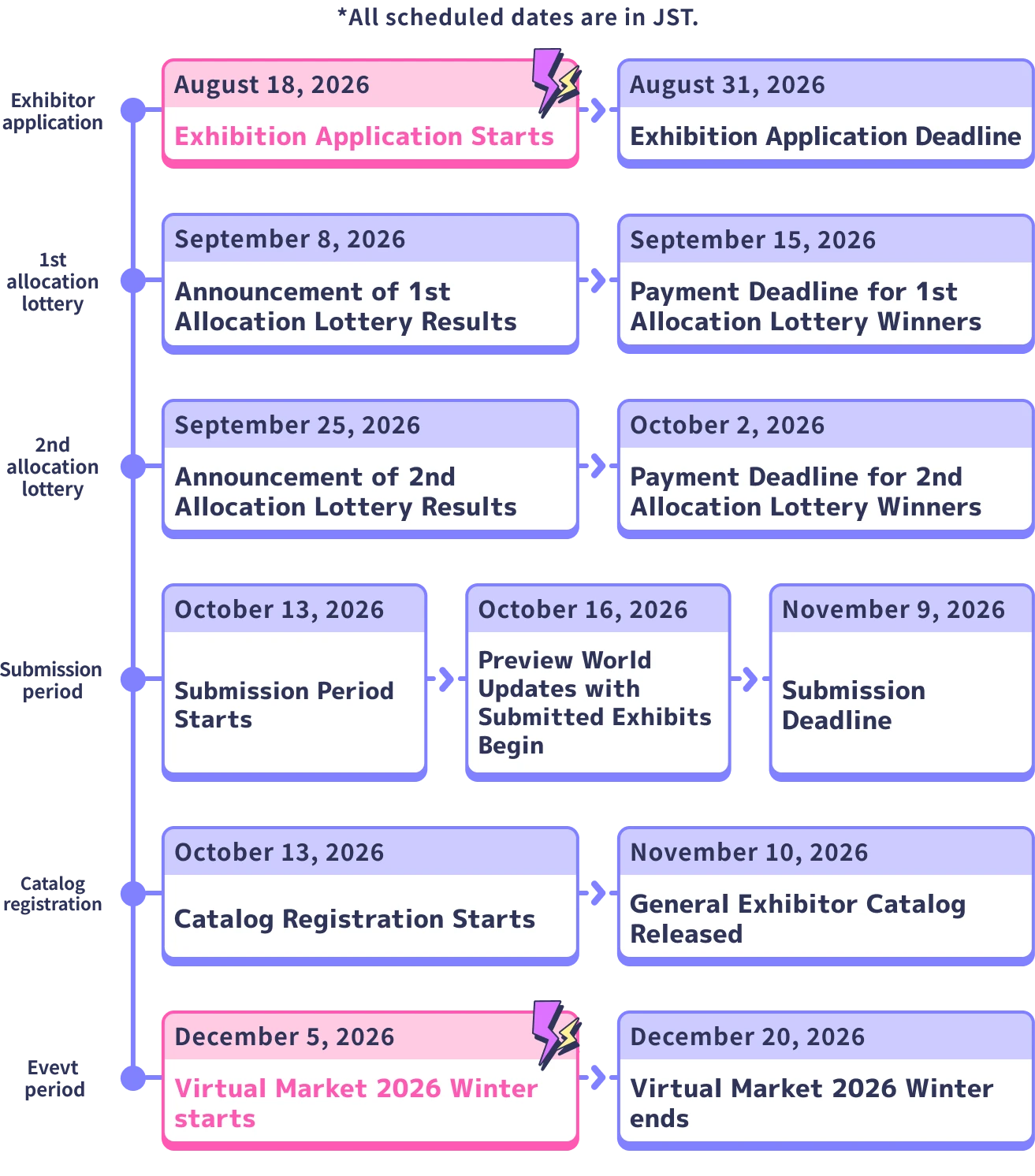
| Date | Time | Event |
|---|
| August 18, 2026 (Tue) JST | | Application starts |
| August 31, 2026 (Mon) JST | 11:59:59 pm JST | Application deadline |
| September 8, 2026 (Tue) JST | | Announcement of 1st allocation lottery results |
| September 25, 2026 (Fri) JST | | Announcement of 2nd allocation lottery results |
| October 13, 2026 (Tue) JST | 12:00:00 pm JST | Submission Period starts |
| November 9, 2026 (Mon) JST | 11:59:59 pm JST | Submission deadline |
| November 10, 2026 (Tue) JST | | Catalog Release |
| December 5, 2026 (Sat) JST | 10:00 am JST | Virtual Market 2026 Winter starts |
| December 20, 2026 (Sun) JST | 11:00 pm JST | Virtual Market 2026 Winter ends |
*The schedule is subject to change. If any changes occur, we will announce them.
- Even if you are not selected in the first allocation lottery on September 8 (Tue) JST, you may still be selected in the second allocation lottery drawing on September 25 (Fri) JST.
- The Preview World will be updated periodically during the Submission Period. You can check your submission when the Preview World is updated.
It is strongly recommended to submit your space multiple times during the Submission Period. You can visit the Preview World to check the exhibit's appearance, lighting, gimmick behavior, etc. and update before the event starts.
- VketTools, the tool used for submitting from Unity, will be distributed on the "Submissions" page once the Submission Period begins.
- You may not use Mac for submitting your exhibit. Please use a Windows environment with Unity and VRChat Creator Companion installed.
- Only the circle owner can upload submissions.
- Circle members can also create and check exhibit data. In that case, please receive the VketTools from the owner.
- Please refer to the Submission Rules for the material count and file size limitations.
The theme for Virtual Market 2026 Winter is...
Core Heat
This is the source that fuels the world.
Individual passions coming together to become one—The unstoppable heat.
Across 9 concepts, PC Venues will have 18 worlds and Cross-Platform Venues will have 2 worlds, for a total of 20 worlds.
PC Venues are accessible via the PC version of VRChat in VR mode or desktop mode.
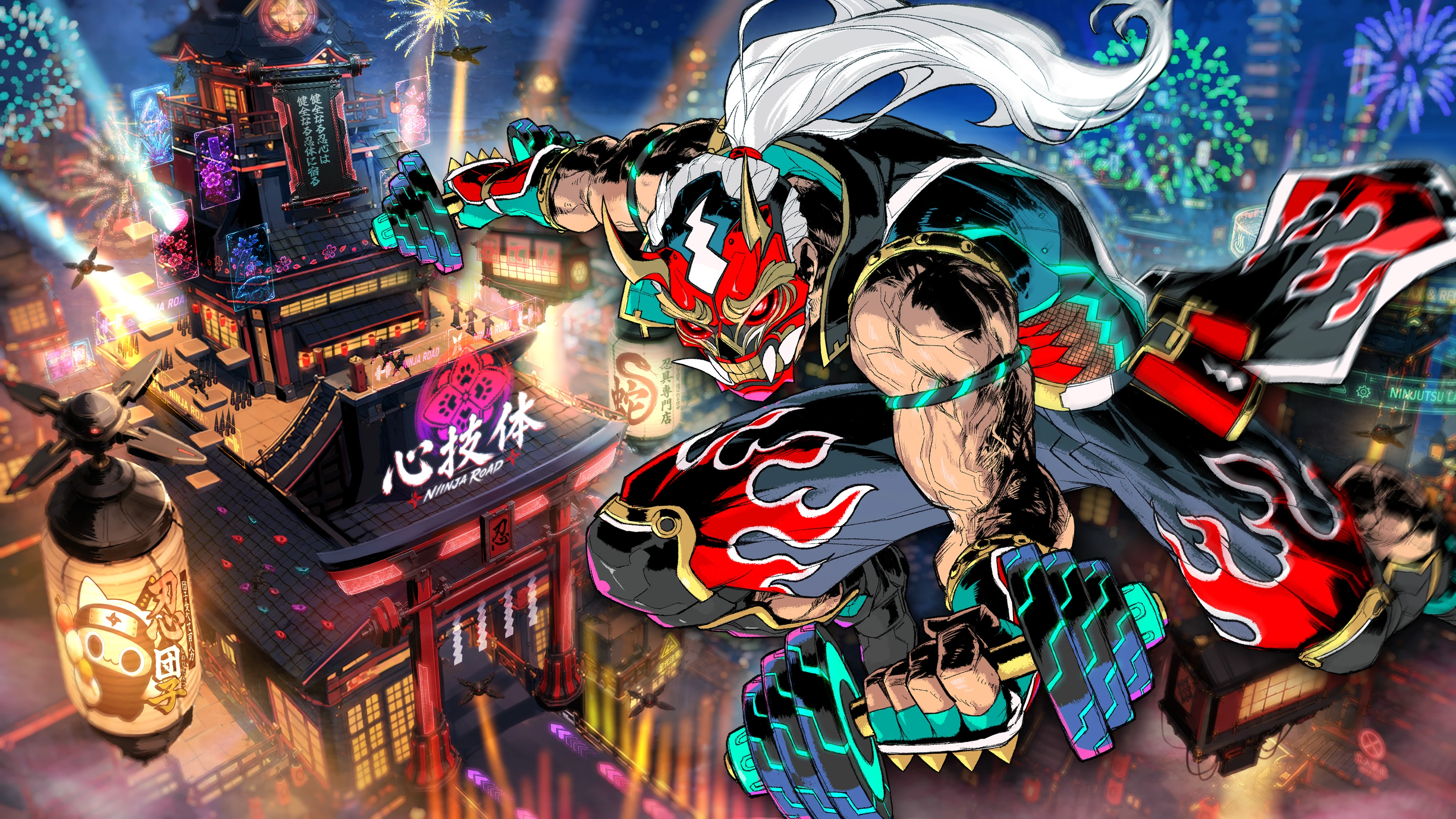
Space Exhibition : 48 spaces x 2 worlds | 4m x 4m x 5m
Space Exhibitions only
For concept text and keywords, see the World Details page.
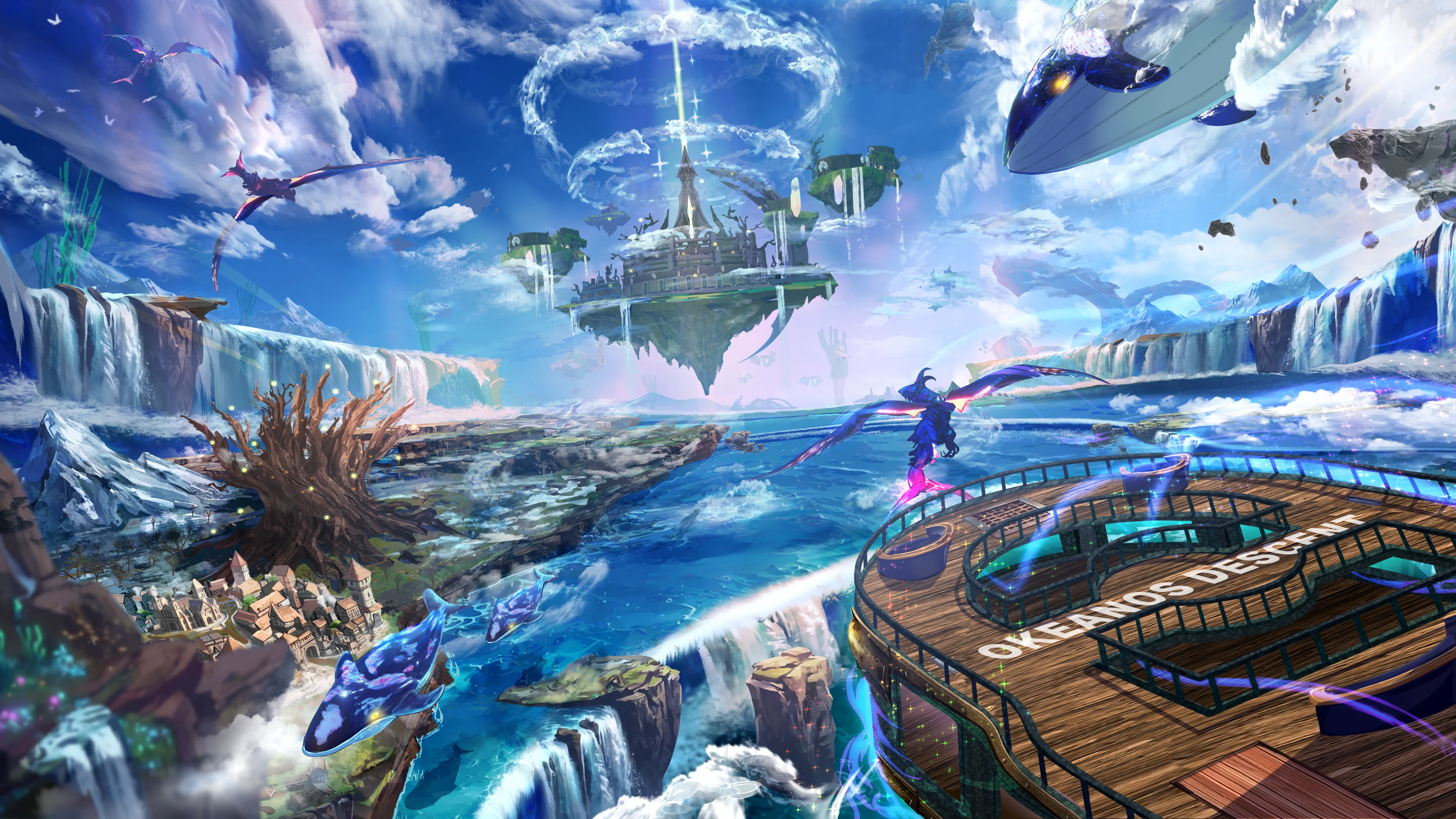
Space Exhibition : 48 spaces x 2 worlds | 4m x 4m x 5m
Space Exhibitions only
- What is OKEANOS?
- OKEANOS is a popular VRChat world event that takes you on an adventure aboard an airship.
- Journey through a variety of environments, from the open skies to the depths of the ocean, while enjoying an immersive ride experience featuring realistic ship movements, custom sound effects, and original background music.
- *This venue is part of "Vket Invited Worlds", where popular VRChat worlds are invited to become Vket exhibition venues.
- OKEANOS DESCENT Official Website
- In-World Experience
- A boat ride of several minutes takes visitors between exhibition areas. The ride can be skipped.
- Each exhibition area has a completely different vibe from the next, so we recommend checking your submission in the Preview World.
- Covered exhibits
- Exhibits are covered by default, and the cover opens when visitors approach.
For concept text and keywords, see the World Details page.
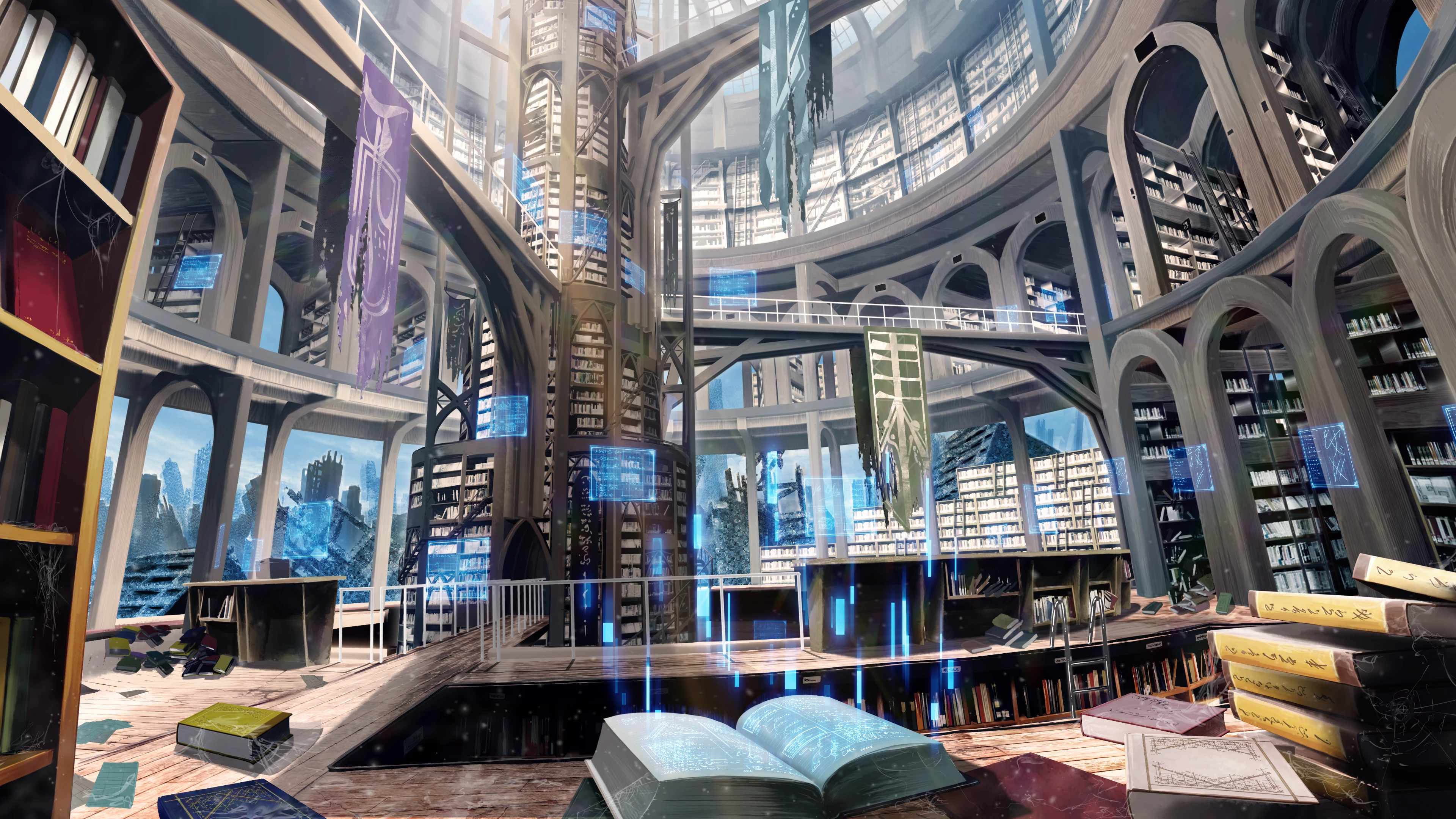
Space Exhibition : 40 spaces x 3 worlds | 4m x 4m x 5m
Item Exhibition : 24 spaces x 3 worlds | 1m x 1m x 2m
2 exhibition formats: Space Exhibitions and Item Exhibitions
- Covered exhibits
- Exhibits are covered by default, and the cover opens when visitors approach.
For concept text and keywords, see the World Details page.
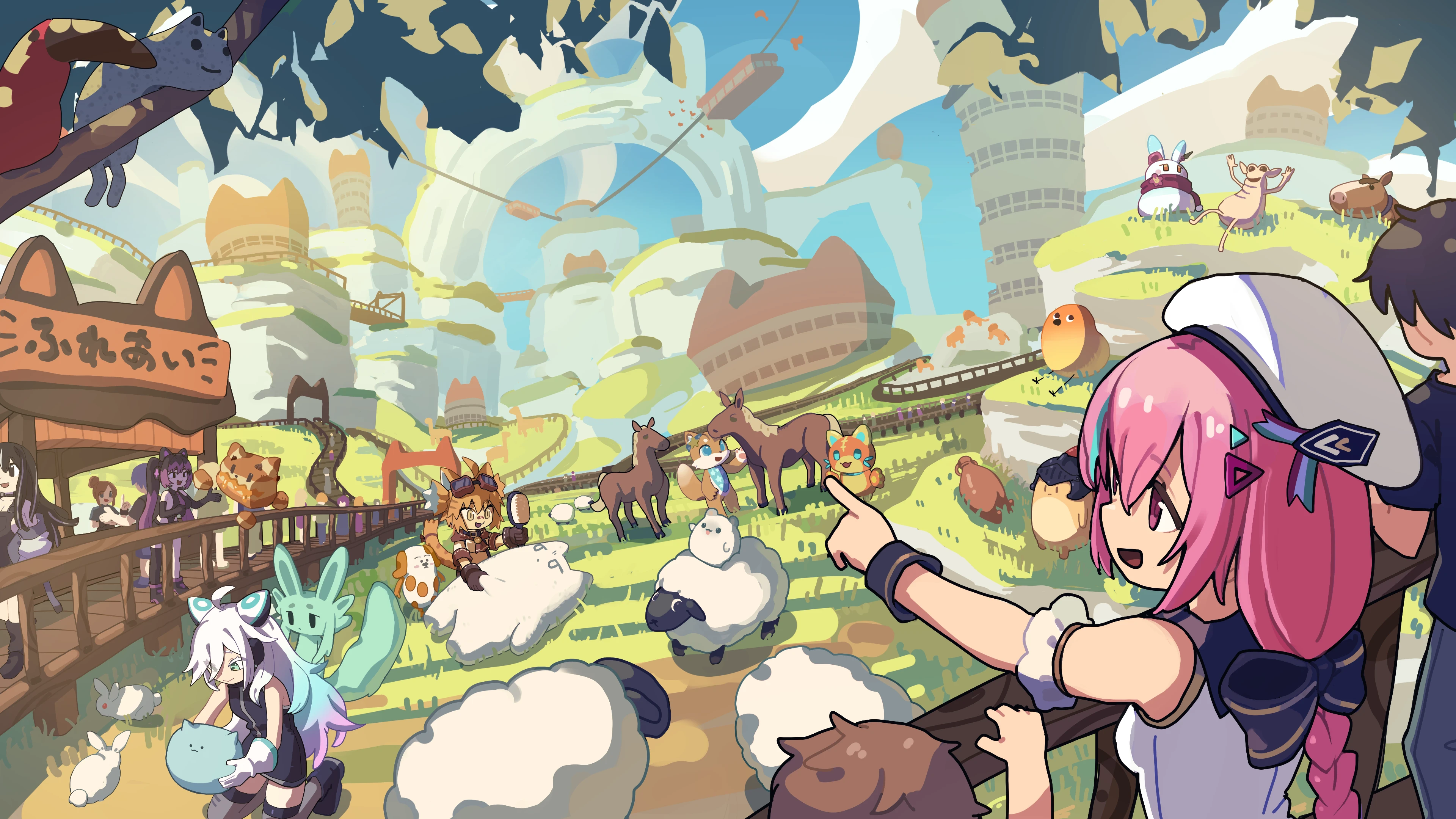
Space Exhibition : 40 spaces x 3 worlds | 4m x 4m x 5m
Item Exhibition : 24 spaces x 3 worlds | 1m x 1m x 2m
2 exhibition formats: Space Exhibitions and Item Exhibitions
- In-World Experience
- By attaching an official component, visitors can use a gimmick to register your exhibit in their encyclopedia!
- Due to the nature of this experience, we may not be able to include all submissions.
- Exhibits are incorporated into the gimmick while remaining placed in your space. If an exhibit is hidden, it will not work with the gimmick.
- Detailed specifications for the component will be announced later.
For concept text and keywords, see the World Details page.
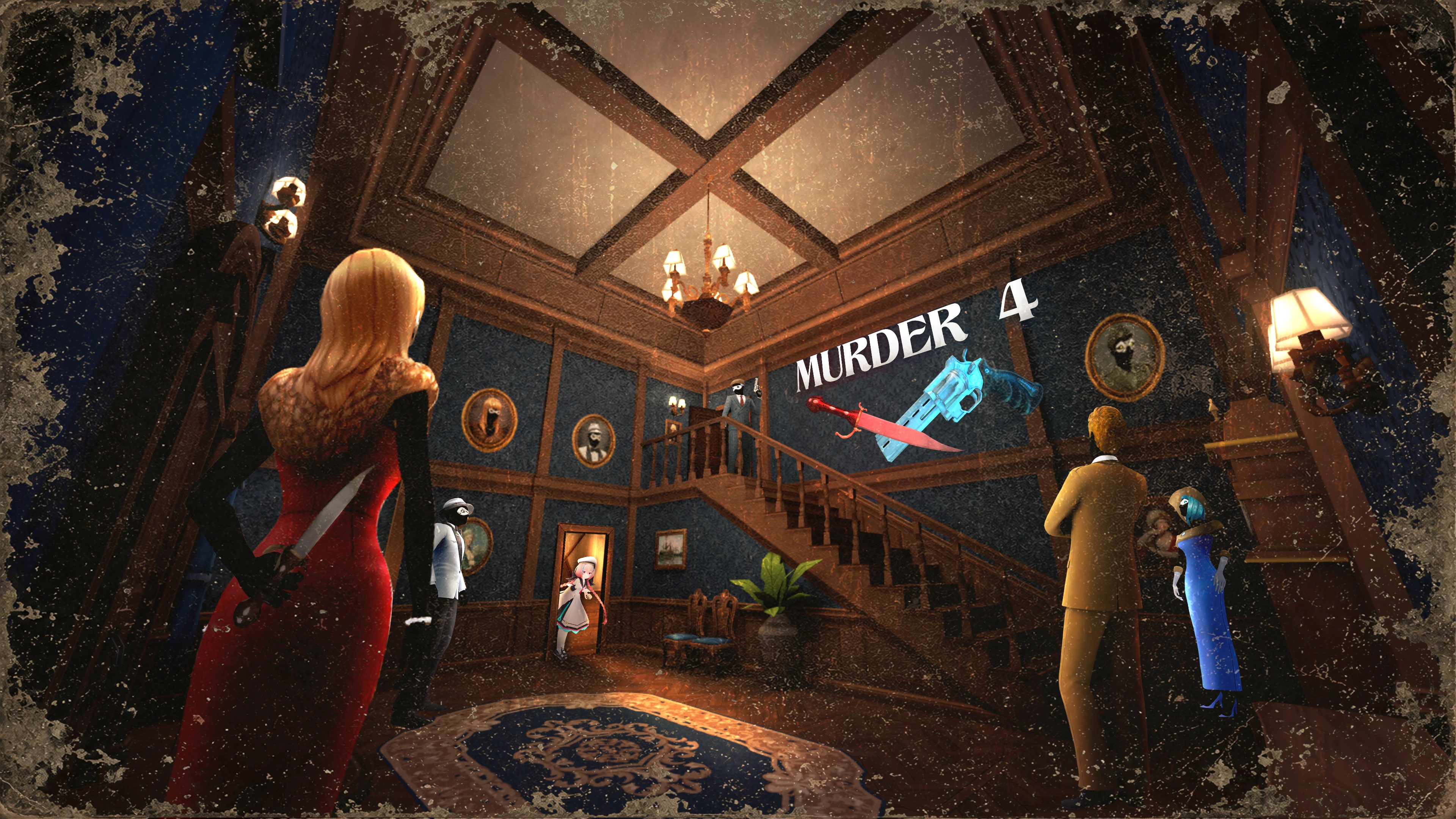
Item Exhibition : 37 spaces x 2 worlds | 1m x 1m x 2m
Item Exhibitions only
- What is Murder 4?
- Murder 4 is a popular VRChat game world that pits players against one another in a thrilling battle of deduction and survival.
- Each game supports up to 24 players, taking on the roles of Detective, Bystander, or Murderer. Search for clues, stay alive, and uncover the Murderer before it’s too late!
- *This venue is part of "Vket Invited Worlds", where popular VRChat worlds are invited to become Vket exhibition venues.
- Murder 4 VRChat World
- A gimmick controlling how exhibits are displayed is planned.
- Exhibits will be hidden by default and be revealed when visitors approach, so that visitors can experience the "thrill of discovery"!
- The pedestals displaying the exhibits are always visible.
- Once an exhibit has been revealed, it will not be hidden again.
For concept text and keywords, see the World Details page.
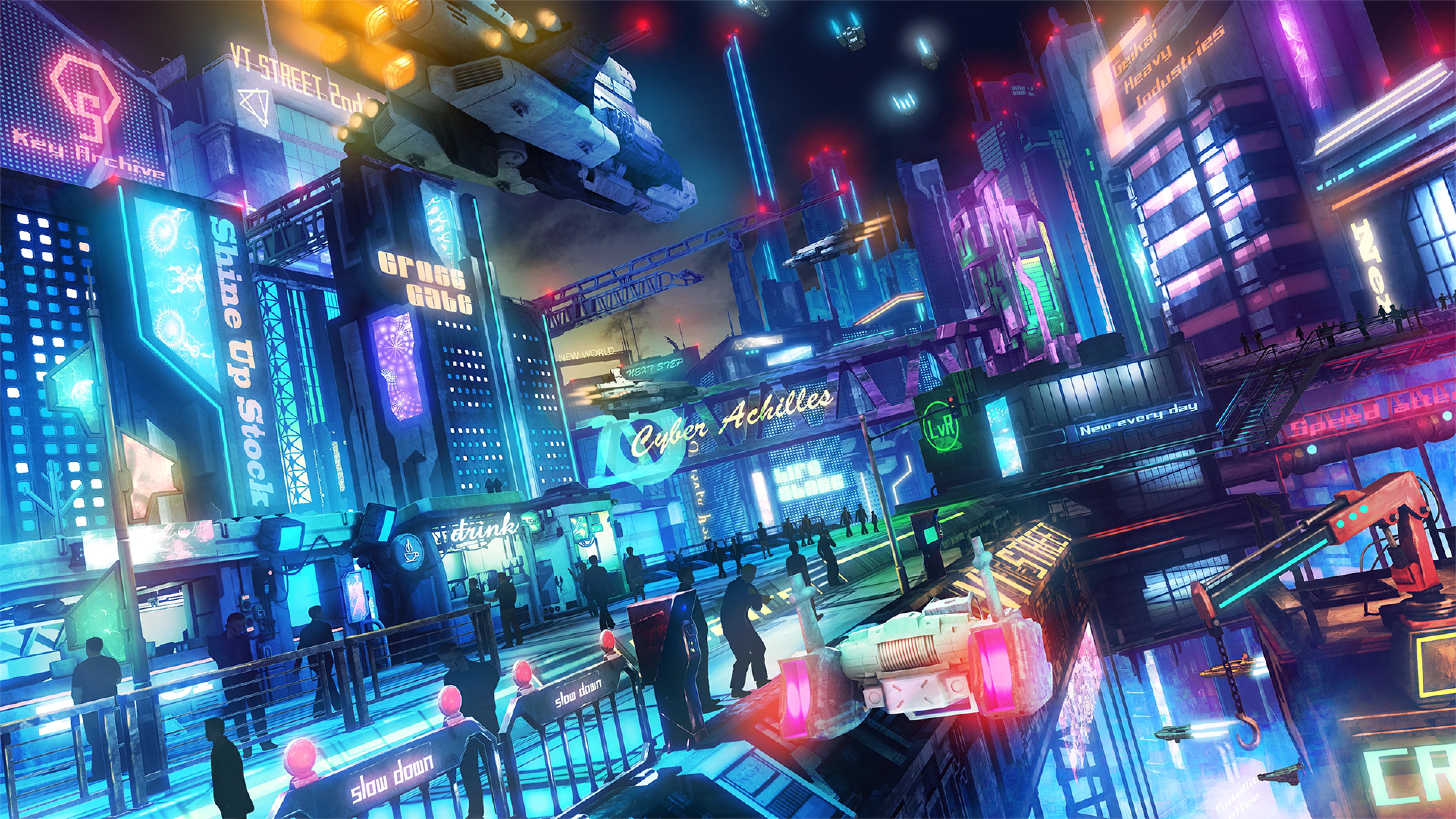
Space Exhibition : 38 spaces x 2 worlds | 4m x 4m x 5m
Space Exhibitions only
- Revival Venue!
- This venue was previously featured in Vket 2022 Winter. Exhibit layout and other details may be altered from original.
For concept text and keywords, see the World Details page.
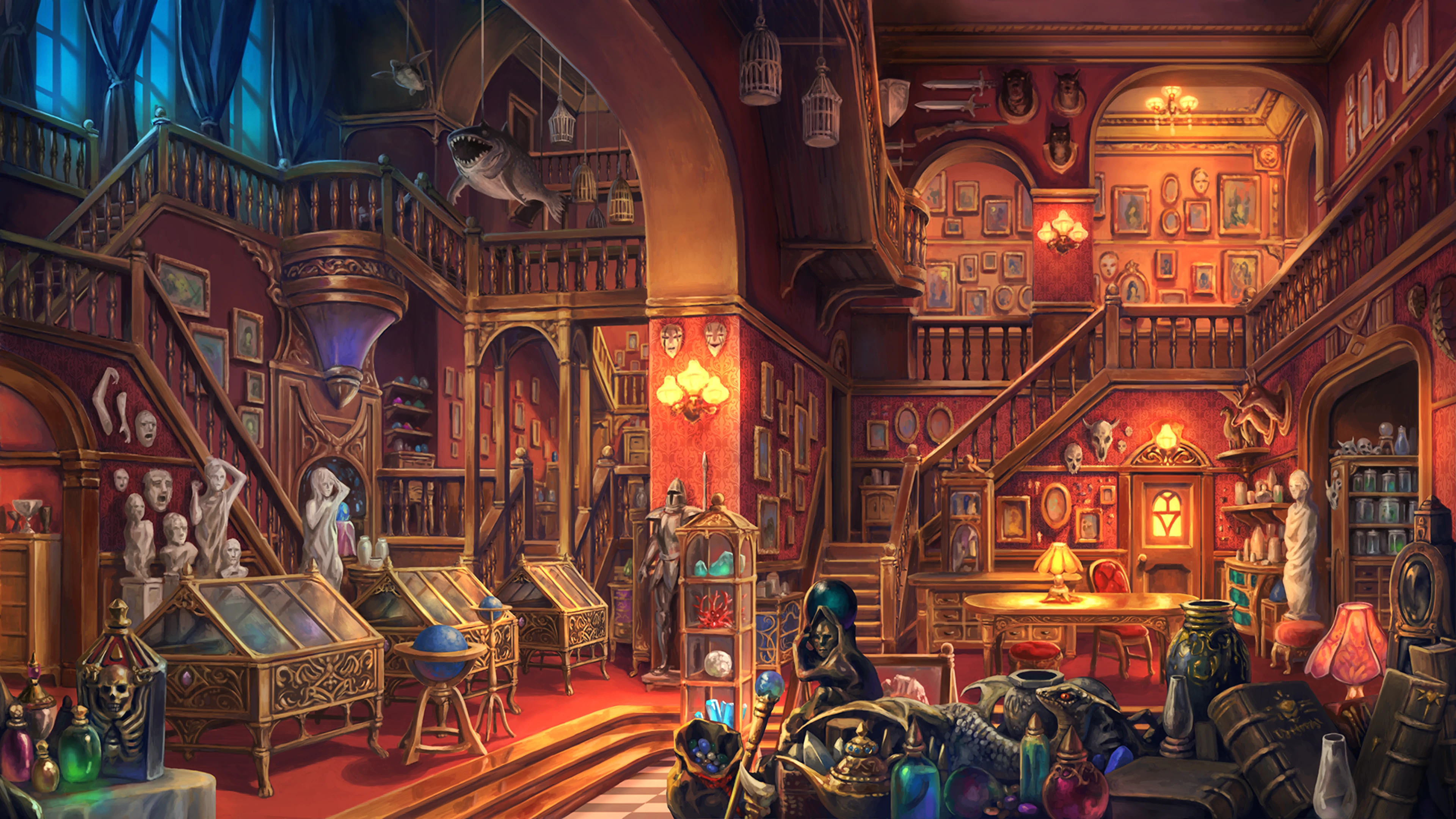
Space Exhibition : 38 spaces x 2 worlds | 4m x 4m x 5m
Space Exhibitions only
- Revival Venue!
- This venue was previously featured in Vket 2022 Winter. Exhibit layout and other details may be altered from original.
For concept text and keywords, see the World Details page.
For the following concepts, Cross-Platform support varies depending on the venue.
Submission guidelines and visitor devices may vary.
Cross-Platform Venues can be enjoyed on VR headsets and Android devices compatible with VRChat.
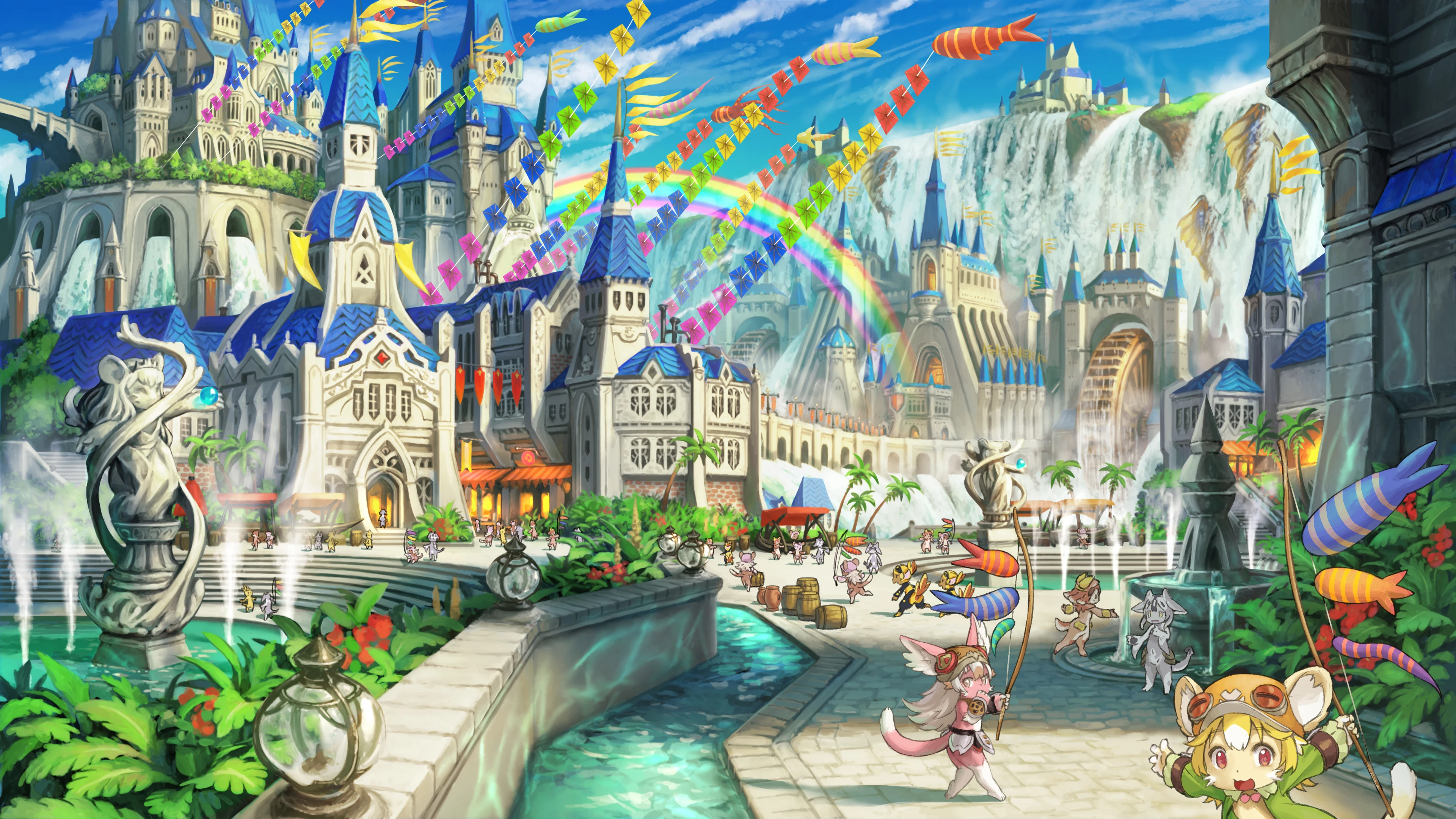
Dragonclimb Festival is a PC Venue, and Aquagift Festival is a Cross-Platform Venue. Submission rules are different between the two venues, so please double check the venue when applying and submitting.
Space Exhibition (Dragonclimb Festival) : 38 spaces x 1 world | 4m x 4m x 5m
Space Exhibition (Cross-Platform Venue) (Aquagift Festival) : 20 spaces x 1 world | 4m x 4m x 5m
Dragonclimb Festival will contain Space Exhibitions, and Aquagift Festival will contain Space Exhibitions (Cross-Platform Venue).
- Revival Venue!
- This venue was previously featured in Vket 2022 Summer.
- Exhibit layout and other details may be altered from original.
For concept text and keywords, see the World Details pages (Dragonclimb Festival / Aquagift Festival).

Sefirot is a PC Venue, and Qliphoth is a Cross-Platform Venue. Submission rules are different between the two venues, so please double check the venue when applying and submitting.
Space Exhibition (Sefirot) : 36 spaces x 1 world | 4m x 4m x 5m
Space Exhibition (Cross-Platform Venue) (Qliphoth) : 20 spaces x 1 world | 4m x 4m x 5m
Sefirot will contain Space Exhibitions, and Qliphoth will contain Space Exhibitions (Cross-Platform Venue).
- Revival Venue!
- This venue was previously featured in Vket 2023 Winter.
- Exhibit dimensions, layout, and other details will be changed from original.
For concept text and keywords, see the World Details pages (Sefirot / Qliphoth).
Creator Worlds, excluding Corporate Worlds, will be re-opened to the public indefinitely after the end of the event period.
We recommend setting the avatar pedestal's Blueprint ID to an avatar intended for visitors to try on.
Visitors to Virtual Market come from all over the world, with approximately half from Japan. We recommend adding multilingual support for your exhibit and catalog entry, such as English and Japanese.
You can support two languages using the official VketLanguageSwitcher Prefab. Also, you can ask for help with translation in the Vket Exhibitor Discord anytime!
*To join the Vket Exhibitor Discord, please refer to the Discord page.
If you wish to exhibit at the event, please read the Terms and Conditions for Vket Event Exhibition For Individuals carefully, especially "Article 2 Exhibitor Qualification" and "Article 3 Requirements for Submitted Material". Please also check the VRChat regulations such as the Terms of Service, Community Guidelines, and Creator Guidelines.
All Virtual Market Exhibits are public and can be seen by a wide audience. For example, avatars set on the pedestals are not permitted to appear nude due to animations, effects, etc.
Please refrain from using effects or displays that involve strong flashing lights or other displays that significantly affect vision, as this may create health issues, such as motion sickness, dizziness, or epileptic seizures.
VRChat has specifically announced that they "do not permit promotion, advertising, integration, or solicitation of unauthorized products or services like NFT or blockchain technology in VRChat".
As such, exhibits that do not follow this policy are not permitted.
- The exhibition format for the Cross-Platform Venue has changed from Avatar Exhibition (Cross-Platform Venue) to Space Exhibition (Cross-Platform Venue).
- Item Exhibition display format and rules have been revised.
- DynamicBone assets and components can no longer be used in Space Exhibitions.
- Please use VRC Phys Bone related components for physics or movement.
- We plan to add more Vket Official Assets and update existing ones.
- The specifications of VketVideoPlayer (Prefab) will change. Please wait for further details until the specifications are finalized.
- Related to this, there are changes to the
Available Components for Space Exhibitions.
- Please see the Submission Rules for details.
↑ Back to Top