TOP › My Page TOP ›
Submission Workflow › Vket Official Assets ›
VketScalingTeleporter
VketScalingTeleporter
This prefab teleports a player who enters the entrance (Entry) to the destination, and changes their avatar scale at the same time.
- The avatar scale is restored when the player enters the exit (Exit) or leaves the scaling area (Area).
- You can also teleport players without changing their scale.
- It only affects the player who enters the entrance or exit.
Select the Prefab's "Generate and Configure Prefab" button in the VketTools' VketPrefab list.
Follow the instructions in VketTools to setup the Prefab.
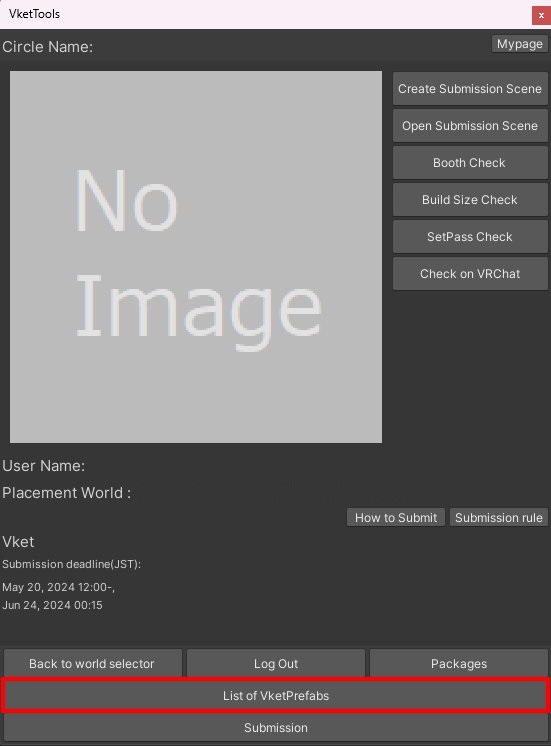
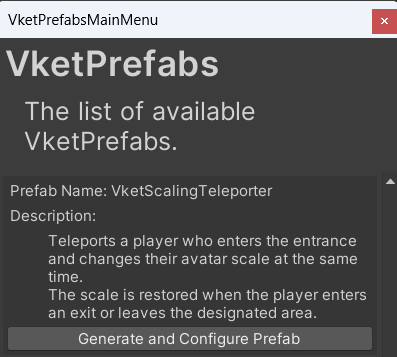
After adding a new Prefab to the scene, the setup window will be displayed.
If the window's closed without edits, you may select the entrance or exit of the added VketScalingTeleporter in the Hierarchy, and edit the settings through the Open Setting Window button on the Inspector.
*The setup window cannot be used in Prefab Mode. Please configure it from the VketScalingTeleporter placed in the scene.
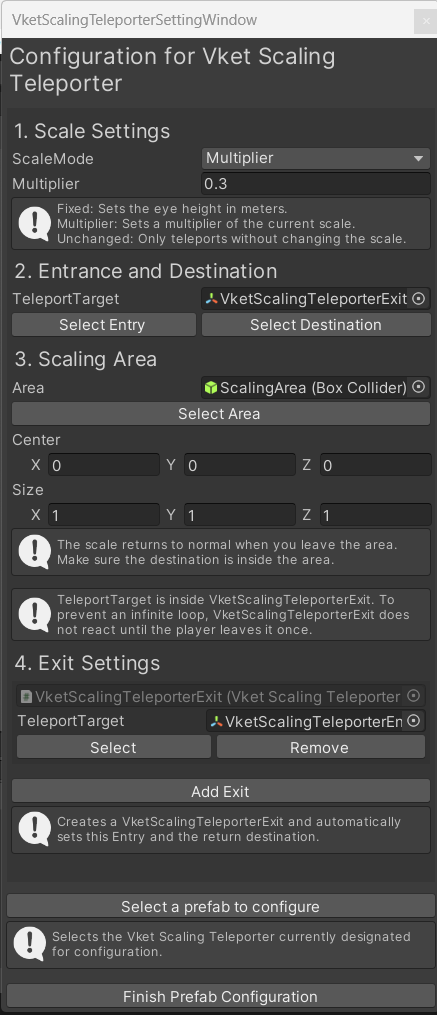
- Scale Settings
Select how the avatar scale changes in ScaleMode, and enter a value in the field below it. The field name depends on ScaleMode (Eye Height (m) for Fixed, Multiplier for Multiplier). The value must be greater than 0.- Fixed: Sets the eye height in meters.
- Multiplier: Sets a multiplier of the current scale.
- Unchanged: Only teleports the player without changing the scale.
- Entrance and Destination
Click Select Entry to select the entrance object. Players who enter the range of the entrance's Collider will be teleported.
Click Select Destination to select the destination object. Adjust its position in the Scene view. - Scaling Area
Click Select Area to select the area object. Adjust the size of its Collider.
The scale is restored as soon as the player leaves the area. Place the destination inside the area. If it is placed outside the area, the scale will be restored right after the player arrives.
*The area is not used when ScaleMode is Unchanged.
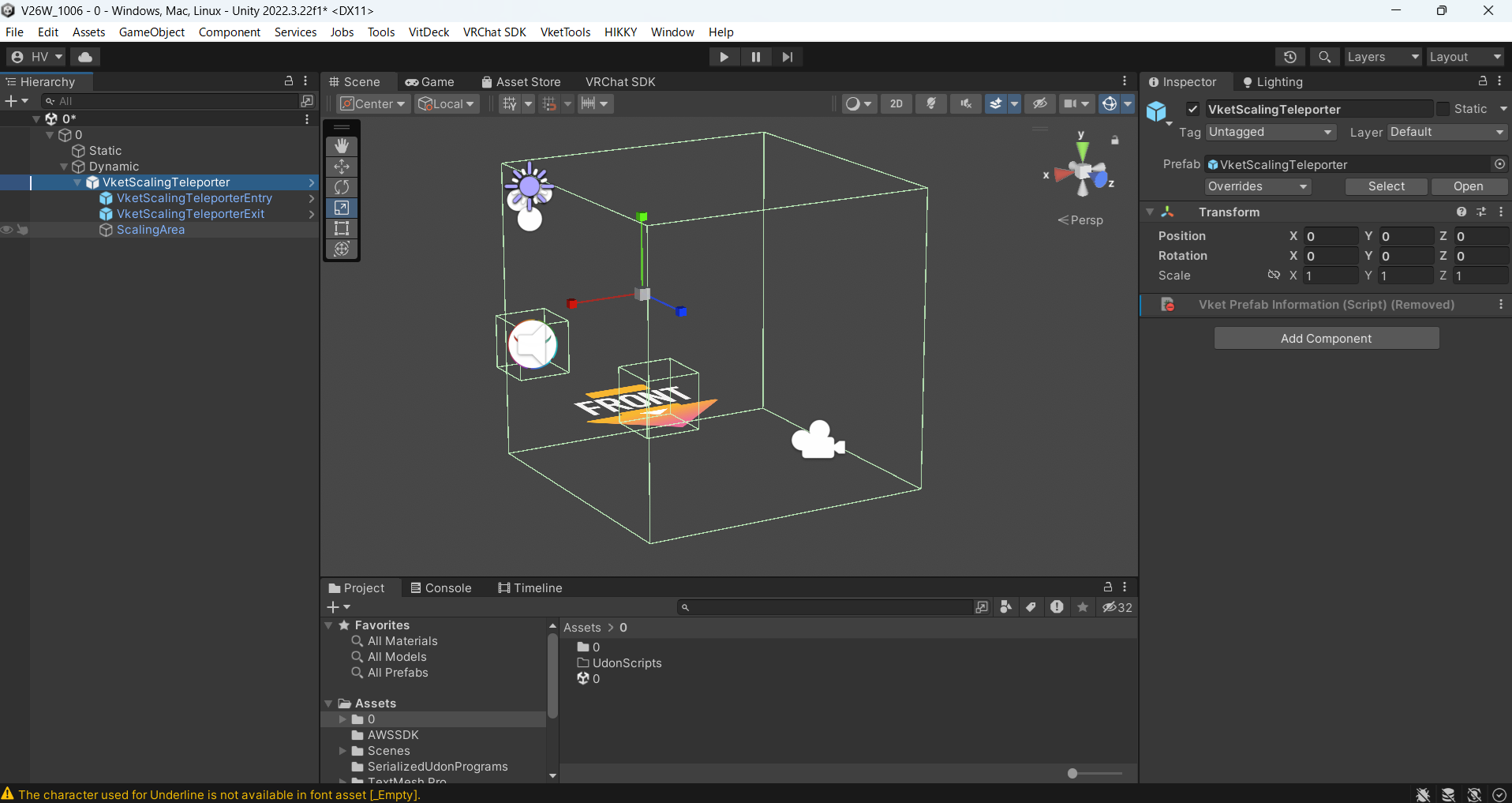
- Exit Settings
Click Add Exit to create an exit (VketScalingTeleporterExit). The entrance and the return destination are set automatically. Players who enter the exit will be teleported to the return destination, and their avatar scale will be restored.
The setup window shows a list of the exits that refer to this entrance. To remove an exit, click the Remove button in the list. Exits originally included in the Prefab will be deactivated instead of removed.
*An exit does not work on its own. The corresponding entrance must be set in ScalingTeleporterEntry on the exit's Inspector.
- If the avatar scale changes inside the area (for example, when the player changes avatars), it will be overwritten with the configured scale.
- When the player teleports through an exit, the scale is restored even if the destination is inside the area.
- If a destination is inside the range of another entrance or exit, that entrance or exit will not react until the player leaves its range once, to prevent an infinite loop.
↑ Back to Top