Reference values of world lighting
⚠️ This page contains information as of Vket2025 Winter. Please refer to the latest event information.
Please ignore these values if you don't know what they are. These are for exhibitors who want to manage the look of their spaces with more precision.
VRChat, the venue of Vket, uses Unity engine for 3D rendering. In 3D rendering, the "light"settings of color, intensity, and others will change the look of everything.
In reality, for example,brighter light makes everything in the room look brighter, that is whiter, and lights with blue color makethe room look blueish.
These settings of lights and environment are called "lighting". Since the setting is held on the world side,the same object may look different at the world with different lighting settings. Vket hasroughly the following setting values.
These are mere reference values that may be adjusted by the organizer in accordance with submitted data.
In this summary, we cover important settings like Environment, Directional Light, and PostProcessVolume.Yet, especially for dimly lit worlds, there may be other kinds of lights set.
Please visit the Preview World via the Mypage to check the lighting condition and how your space will look in the actual world.
Furthermore, to display the spaces in an attractive way, we may put lights other than Directional Light orset up areas not affected by the Directional Light.
As default, Light settings such as Directional Light are hidden and cannot be modified in the submission scene.
To enable Light Settings modification, toggle the Reference Objects visibility by selecting VketTools > Utilities > ShowReferenceObjects on the Unity menu.
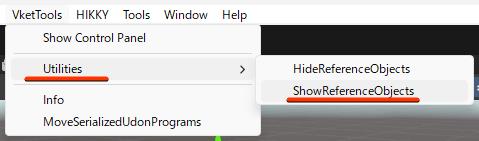
Lighting settings of each world will follow the below parameters if not specified otherwise.
| Property | PC Worlds | Cross-Platform Worlds |
|---|
| Environment Lighting | | |
| Source | Color | Color |
| Ambient Color | 128, 128, 128 | 128, 128, 128 |
| Player Directional Light | | |
| Color | 255, 255, 255 | 255, 255, 255 |
| Intensity | 1.0 | 1.0 |
| Indirect Multiplier | 0 | 0 |
| Baked Directional Light | | |
| Color | 255, 255, 255 | 255, 255, 255 |
| Intensity | 1.0 | 1.0 |
| Indirect Multiplier | 1 | 1 |
| PostProcessingVolume | | |
| Bloom.Intensity | 1 | 1 |
| Bloom.Threshold | 1.2 | 1.2 |
| Bloom.Clamp | 2 | 2 |
| Lightmap Settings | | |
| Directional Mode | Directional | Non-Directional |
Environment Lighting: Settings of environment light. Some worlds may have multiple settings for different areas.
Player Directional Light: Realtime Directional Light with NoShadow that will affect the defalut layer and the players.
Baked Directional Light: Baked Directional Light with SoftShadow for baking the lights.
PostProcessingVolume: Setting value of PostProcessingVolume applied to the world globally. This value won't be reflected on Android builds.
Lightmap Settings: Settings for baking the lights in the world, that is generating the lightmaps.
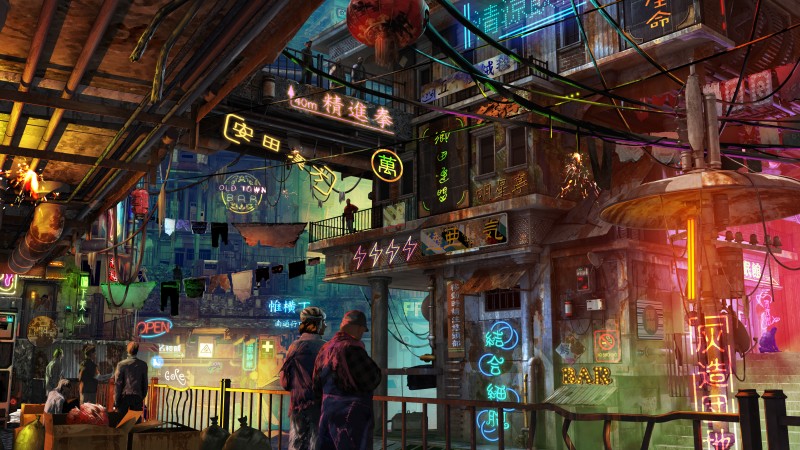
| Orderless | Chaos |
|---|
| Environment Lighting | | |
| Source | Color | Color |
| Ambient Color | 66, 57, 52 | 66, 57, 52 |
| Player Directional Light | | |
| Color | 124,133,167 | 124,133,167 |
| Intensity | 0.6 | 0.6 |
| Baked Directional Light | | |
| Color | 124,133,167 | 124,133,167 |
| Intensity | 2.0 | 2.0 |
| Indirect Multiplier | 2 | 2 |
| PostProcessingVolume | | |
| Bloom.Intensity | 3.2 | 3.2 |
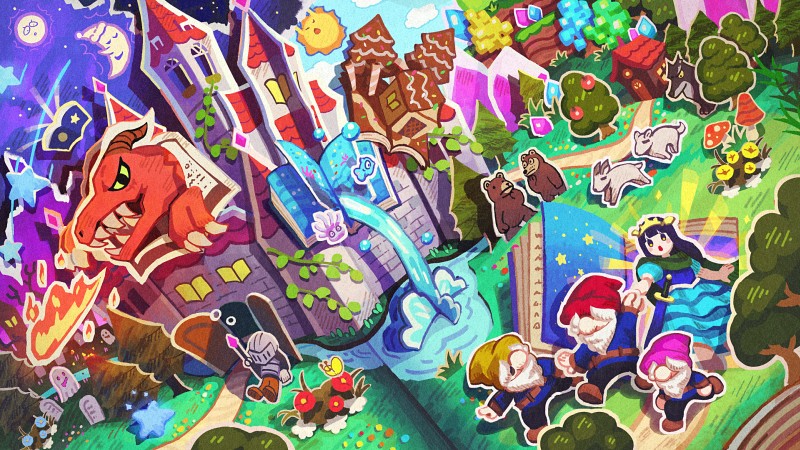
| The Diva and ██'s Wild Adventure | The Great pirates' Name echo the Skies |
|---|
| Environment Lighting | | |
| Source | Color | Color |
| Ambient Color | 54, 58, 66 | 54, 58, 66 |
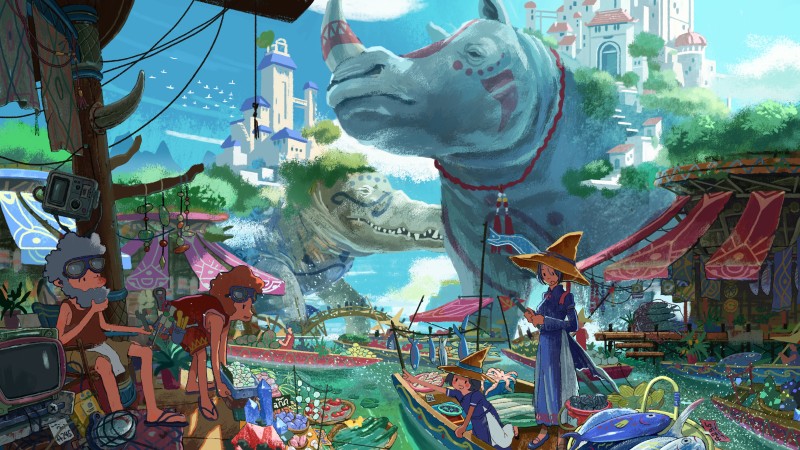
| Carnogaddon | Aggitusk |
|---|
| Environment Lighting | | |
| Source | Color | Color |
| Ambient Color | 54, 58, 66 | 54, 58, 66 |
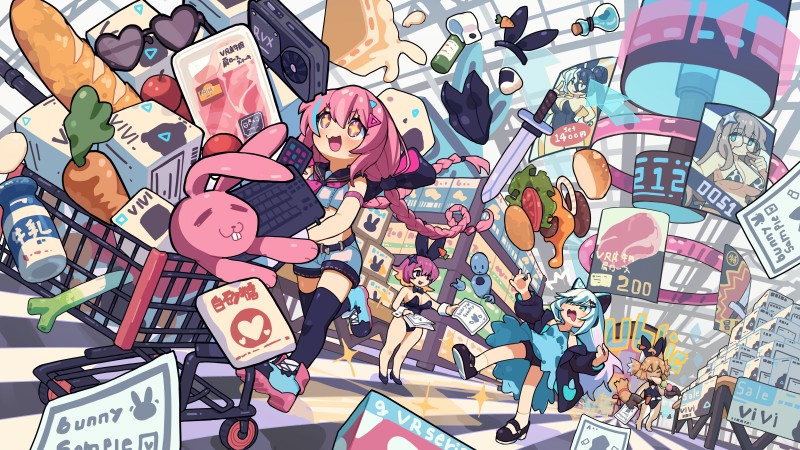
| Fresh | Juicy |
|---|
| Environment Lighting | | |
| Source | Color | Color |
| Ambient Color | 54, 58, 66 | 54, 58, 66 |
| Baked Directional Light | | |
| Color | 255,255,255 | 255,255,255 |
| Intensity | 0.1 | 0.1 |
| Indirect Multiplier | 1 | 1 |
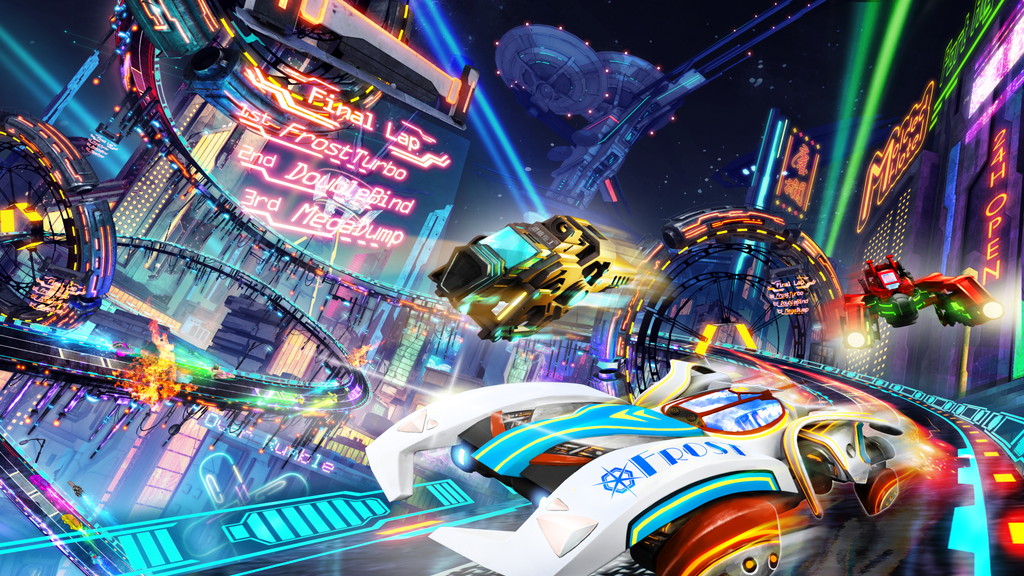
| Triumph | Ambition |
|---|
| Environment Lighting | | |
| Source | Color | Color |
| Ambient Color | 128, 128, 128 | 54, 58, 66 |
| Player Directional Light | | |
| Color | 255, 255, 255 | 255, 255, 255 |
| Intensity | 0.7 | 0.5 |
| Baked Directional Light | | |
| Color | 255, 255, 255 | 255, 255, 255 |
| Intensity | 0.4 | 0.05 |
| Indirect Multiplier | 1 | 1 |
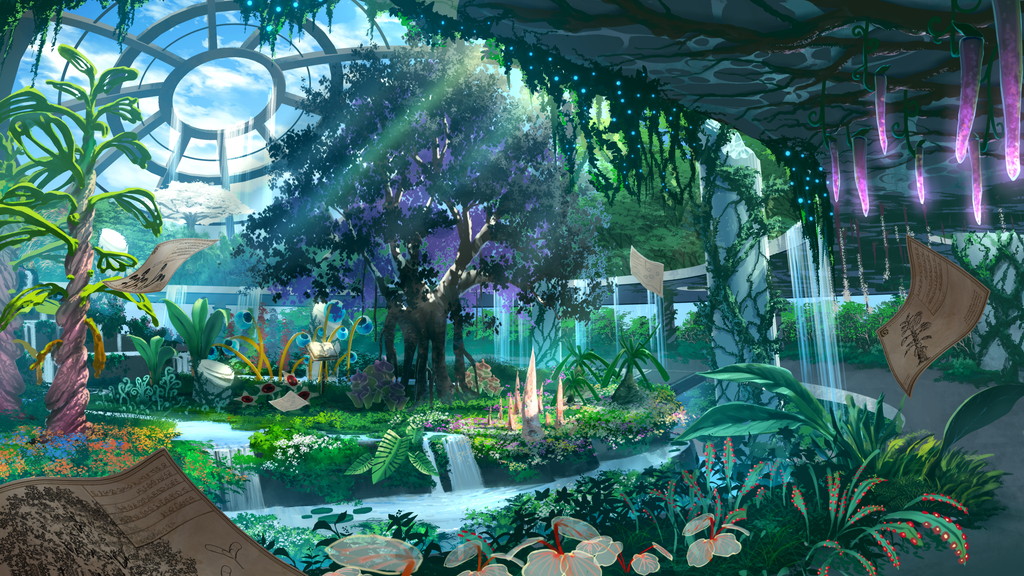
| Burgeon of Creativity | Fruit of Imagination |
|---|
| Environment Lighting | | |
| Source | Color | Color |
| Ambient Color | 54, 58, 66 | 54, 58, 66 |
| Player Directional Light | | |
| Color | 255, 255, 255 | 255, 255, 255 |
| Intensity | 0.85 | 0.5 |
| Baked Directional Light | | |
| Color | 255, 255, 255 | 91,134,154 |
| Intensity | 0.5 | 0.25 |
| Indirect Multiplier | 1 | 1 |
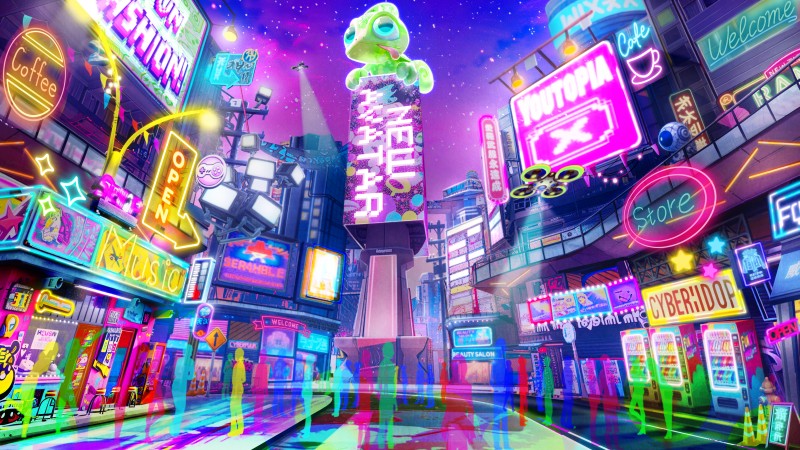
| Rising Sun St. | Wild we-St. |
|---|
| Environment Lighting | | |
| Source | Color | Color |
| Ambient Color | 20, 20, 20 | 20, 20, 20 |
| Baked Directional Light | | |
| Color | 114, 114, 114 | 114, 114, 114 |
| Intensity | 0.25 | 0.25 |
| Indirect Multiplier | 1 | 1 |
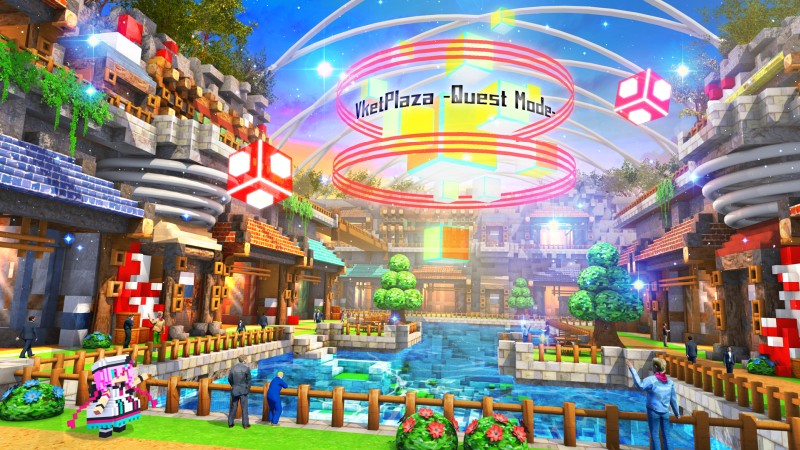
| Lake Village | Volcano City |
|---|
| Environment Lighting | | |
| Source | Color | Color |
| Ambient Color | 166,176,195 | 5,5,5 |
| Player Directional Light | | |
| Color | 255, 253, 242 | 255, 255, 255 |
| Intensity | 1.0 | 1.0 |
| Baked Directional Light | | |
| Color | 255, 253, 242 | 170, 155, 178 |
| Intensity | 1.0 | 1.0 |
| Indirect Multiplier | 1 | 1 |